Imagine a customer searching for “best dentist near me”, “digital marketing agency in Delhi” or “hospital near me” on Google. Several businesses appear on Google Maps, but only a few receive the most attention and customer enquiries.
Now, the important question is: Is your business appearing when potential customers search for your services?
In India, local searches play an important role in helping customers discover nearby businesses. Whether you own a hospital, clinic, restaurant, salon, retail shop or service-based company, having a properly optimized Google Business Profile can improve your local online visibility.
Google Business Profile (formerly Google My Business) allows businesses to manage how they appear on Google Search and Google Maps. However, simply creating a profile is not enough. You need to optimize it, maintain accurate information and build a trustworthy online presence.
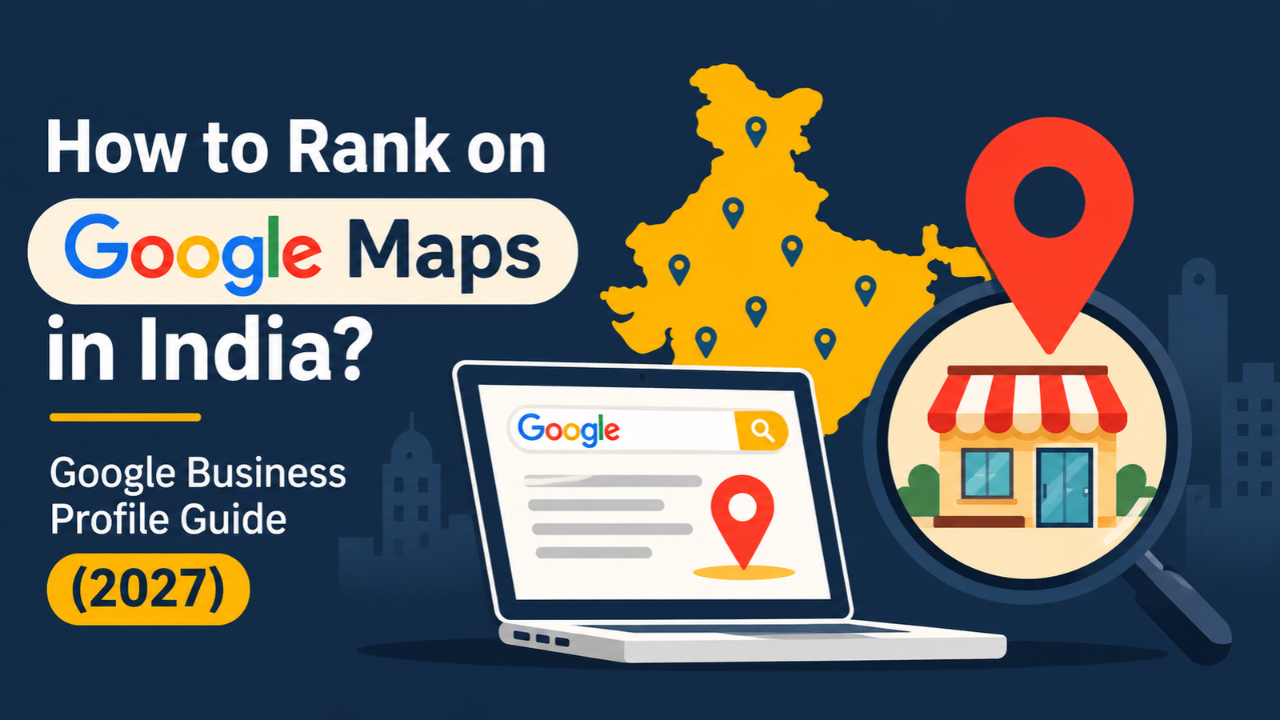
In this guide, we will explain how to rank on Google Maps in India in 2027 with practical Google Business Profile SEO strategies.
What Is Google Business Profile?
Google Business Profile is a free tool that helps eligible businesses manage their presence on Google Search and Google Maps.
It allows customers to discover important business information, including:
- Business name and address
- Contact number and website
- Business hours and location
- Products and services
- Customer reviews and ratings
- Business photos and updates
- Directions and contact options
For example, when someone searches for “best IVF centre in Dholpur” or “digital marketing agency in Delhi”, Google may display relevant local businesses through Maps and local search results.
A well-maintained profile helps customers understand your business and decide whether to contact or visit you.
How Does Google Maps Ranking Work in 2027?
Before optimizing your profile, it is important to understand how Google determines local search rankings.
According to Google’s official documentation, local search results are primarily influenced by three factors:
1. Relevance
Relevance refers to how closely your business profile matches what a customer is searching for.
For example, if someone searches for “skin specialist in Patna”, Google tries to identify businesses whose categories, services and information match that search.
How to improve relevance:
- Select the most appropriate primary business category.
- Add accurate services and products.
- Write a detailed business description.
- Keep your business information updated.
- Make sure your website clearly explains your services.
2. Distance
Distance refers to how far your business is from the person performing the search.
For example, someone searching for “restaurant near me” may see restaurants located closer to their current location.
You cannot directly control the searcher’s location or manipulate this ranking factor. However, you can ensure that your business address and service areas are accurate.
3. Prominence
Prominence refers to how well-known your business is.
Google considers information such as reviews, ratings, links and other information available across the web when assessing prominence.
How to improve prominence:
- Encourage genuine customer reviews.
- Respond professionally to customer feedback.
- Build relevant backlinks.
- Maintain an informative website.
- Develop a consistent online presence.
These three factors work together. There is no guaranteed method to secure the number-one position on Google Maps.
10 Proven Ways to Improve Google Maps Ranking in India
1. Create and Verify Your Google Business Profile
The first step is to create or claim your Google Business Profile.
Visit Google Business Profile and sign in using your Google account. Search for your business to check whether an existing listing is available.
If your business is already listed, claim ownership. Otherwise, create a new profile.
Complete the verification process using the method offered by Google.
Verification helps establish that you are authorized to manage the business profile.
Important: Use your genuine business information. Avoid creating duplicate profiles for the same business location.
2. Choose the Right Primary and Secondary Categories
Business categories help Google understand what your business offers.
Selecting the correct primary category is one of the most important steps in Google Business Profile optimization.
For example:
| Business Type | Relevant Primary Category |
|---|---|
| Hospital | Hospital |
| Dental Clinic | Dentist |
| Restaurant | Restaurant |
| Salon | Beauty Salon |
| Digital Agency | Marketing Agency |
Choose the most specific category that accurately represents your main business.
You can also add relevant secondary categories if they genuinely describe your services.
Avoid selecting unrelated categories simply to appear in more searches.
3. Optimize Your Business Name, Address and Phone Number
Your business information must be accurate and consistent.
Make sure the following details are correct:
- Business name
- Complete physical address
- Contact number
- Website URL
- Business operating hours
- Service areas, where applicable
Your business name should match the name used in the real world, including your branding and signage.
For example, do not add unnecessary keywords such as “Best Digital Marketing Agency in Delhi” to your business name if that is not your actual business name.
Google does not permit keyword stuffing in business names, and violations can lead to profile restrictions or suspension.
4. Write an SEO-Friendly Business Description
Your business description helps customers understand your services and what makes your business different.
Write a natural, informative description that explains:
- What your business does
- Which products or services you offer
- Where you operate
- What makes your business unique
- Who your target customers are
For example:
“SEO Web Technology is a digital marketing and website development agency providing professional online solutions for businesses. Our services include search engine optimization, social media marketing, website development, Google Ads, Meta Ads and e-commerce website development.”
Use relevant keywords naturally. Do not repeat the same keyword unnecessarily.
5. Add High-Quality Business Photos and Videos
Visual content helps potential customers understand your business before contacting or visiting you.
Upload genuine, high-quality photos that represent your business accurately.
Consider adding:
- Business exterior and entrance photos
- Office or interior photos
- Team photographs
- Product images
- Service-related photographs
- Work samples and project images
For example, a hospital can showcase its reception, facilities and departments, while a restaurant can upload photographs of its interiors and menu items.
Use authentic visuals rather than misleading stock images.
Regularly review your photos to ensure they remain relevant and up to date.
6. Collect Genuine Customer Reviews
Customer reviews are an important part of building trust and improving your business’s online reputation.
When customers share their genuine experiences, potential customers get a better understanding of your services.
To encourage reviews:
- Share your Google review link with customers.
- Use a QR code at your business location.
- Ask customers for honest feedback after service completion.
- Respond professionally to positive and negative reviews.
- Address customer concerns whenever possible.
For example, if a customer appreciates your service, politely invite them to share their experience on Google.
Important: Never purchase fake reviews, offer discounts for positive ratings or ask people to post reviews without an actual customer experience. Google prohibits fake and incentivized engagement.
7. Respond to Every Customer Review
Getting reviews is only one part of reputation management. Responding to them also shows that your business values customer feedback.
For positive reviews, thank customers for their support.
For negative reviews, respond politely, acknowledge the concern and offer an appropriate way to resolve the issue.
Avoid arguments or sharing private customer information publicly.
Consistent review management helps build a professional business image.
8. Keep Your Google Business Profile Active
An updated profile provides useful information to potential customers.
Use available profile features to share relevant updates, such as:
- New services
- Business announcements
- Events
- New products
- Important business updates
- Seasonal information
For example, a hospital can share information about new departments, while a restaurant can highlight new menu additions.
Keep updates genuine, useful and relevant to your business.
Remember that posting frequently does not guarantee higher rankings. Focus on providing accurate information and a better customer experience.
9. Optimize Your Website for Local SEO
Your website and Google Business Profile should support each other.
A professional website helps customers explore your services, understand your business and contact you.
To improve local SEO:
- Create location-specific service pages.
- Mention your actual service areas naturally.
- Add accurate business contact details.
- Include an embedded Google Map where useful.
- Optimize page titles and meta descriptions.
- Make your website mobile-friendly.
- Improve website loading speed.
- Add relevant internal links.
For example, a business operating in Delhi can create useful pages for its actual service locations instead of publishing multiple duplicate pages with only city names changed.
You can also use appropriate LocalBusiness structured data to help search engines understand your business information.
10. Maintain Consistent Business Information Across Online Platforms
Your business information should remain consistent across relevant online platforms.
Check your:
- Official website
- Google Business Profile
- Social media profiles
- Business directories
- Industry-specific listing websites
Pay particular attention to your business name, address and phone number.
If customers find different phone numbers or addresses across platforms, it may create confusion and reduce trust.
Review your online business listings regularly and correct outdated information.
Final Thoughts
Ranking on Google Maps in India requires more than simply creating a business listing. It involves maintaining accurate information, selecting relevant categories, collecting genuine reviews, sharing useful updates and building a strong local online presence.
Whether you operate a hospital, clinic, restaurant, salon, retail store or service-based business, optimizing your Google Business Profile can help potential customers discover and connect with your business.
Remember, local SEO is an ongoing process. Consistency, accuracy and customer trust matter more than shortcuts.
Want to improve your business visibility on Google Maps?
SEO Web Technology helps businesses strengthen their digital presence through Google Business Profile optimization, local SEO, website development and digital marketing services.
Get your business ready for better local visibility in 2027!